
4. Gemini
- If you have not downloaded FH Switch yet, start from 1. Common Steps.
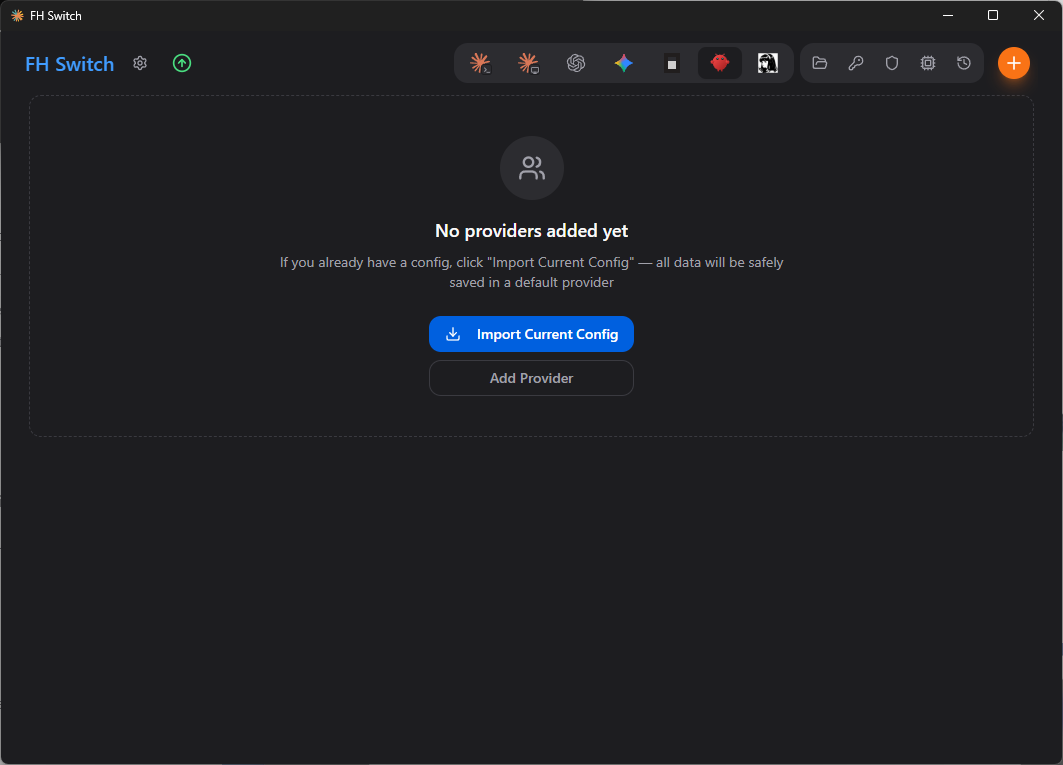
- In the top tab bar, choose
Gemini.

- Click
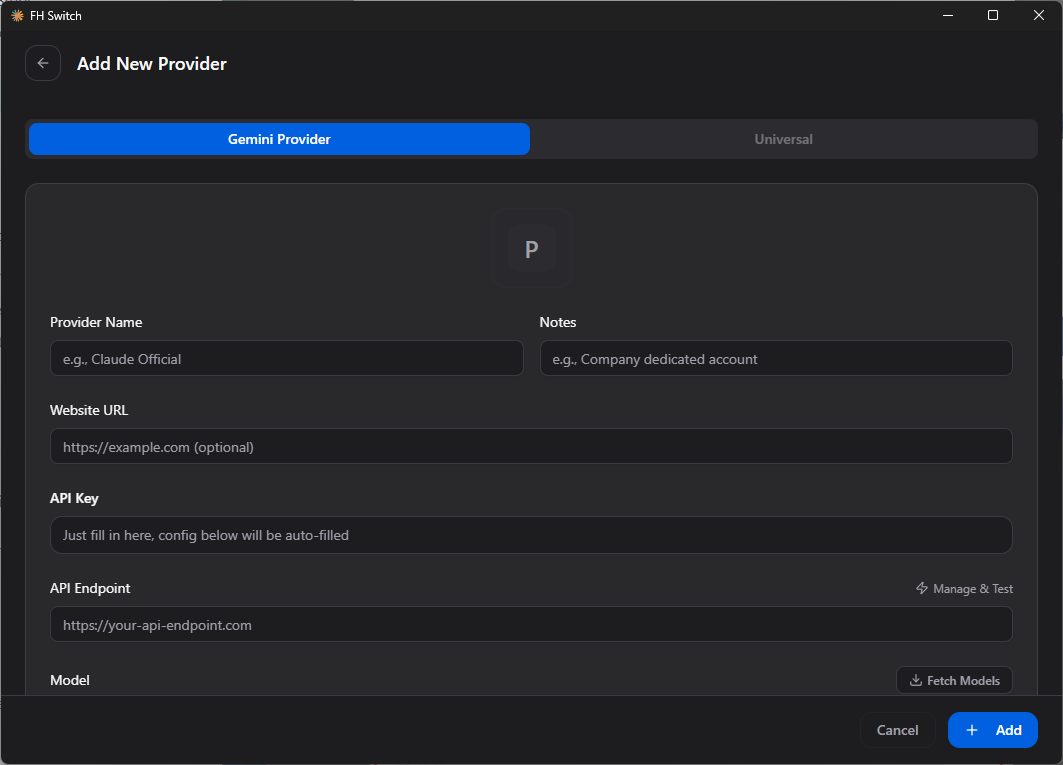
Add Provider. On the new provider page, keepGemini Providerselected.
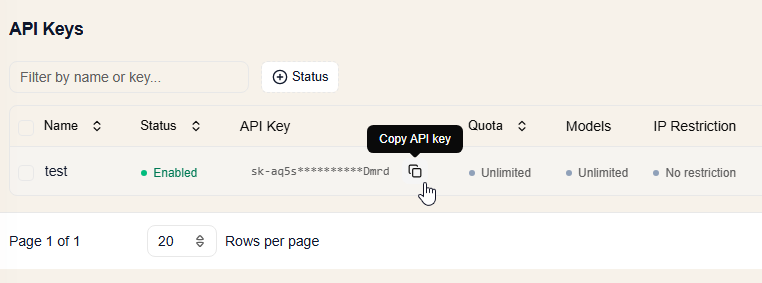
- Open 4. Create an API key and create an FHRouter API key for Gemini, then copy the key from the dashboard.
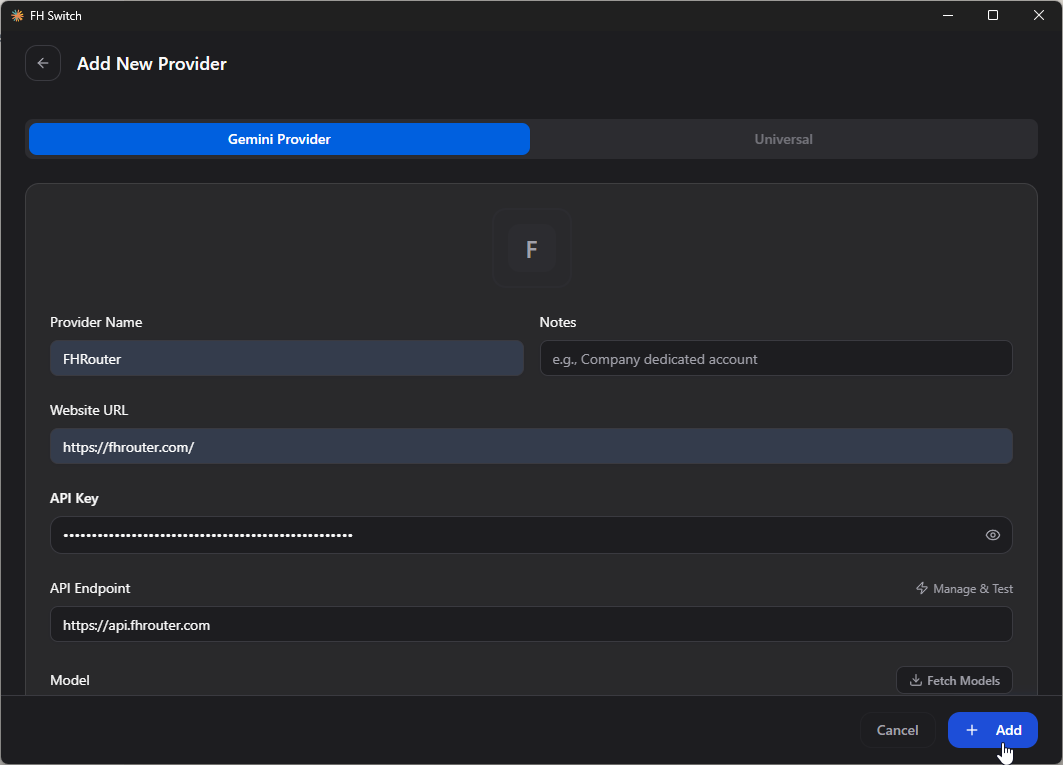
- In the provider configuration form, fill in FHRouter as shown, paste the API key you copied, use
https://api.fhrouter.comas the endpoint, then clickAdd.
- After the provider is added, return to the main screen and switch to the FHRouter entry. When the provider shows as active, the configuration is in place.
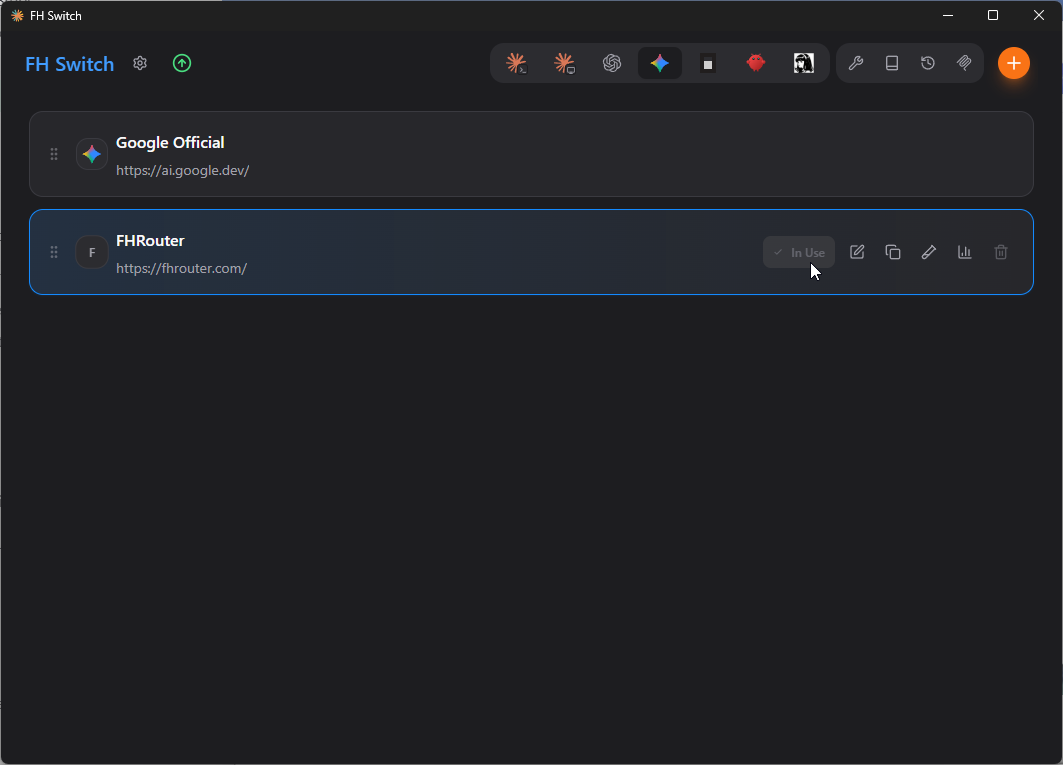
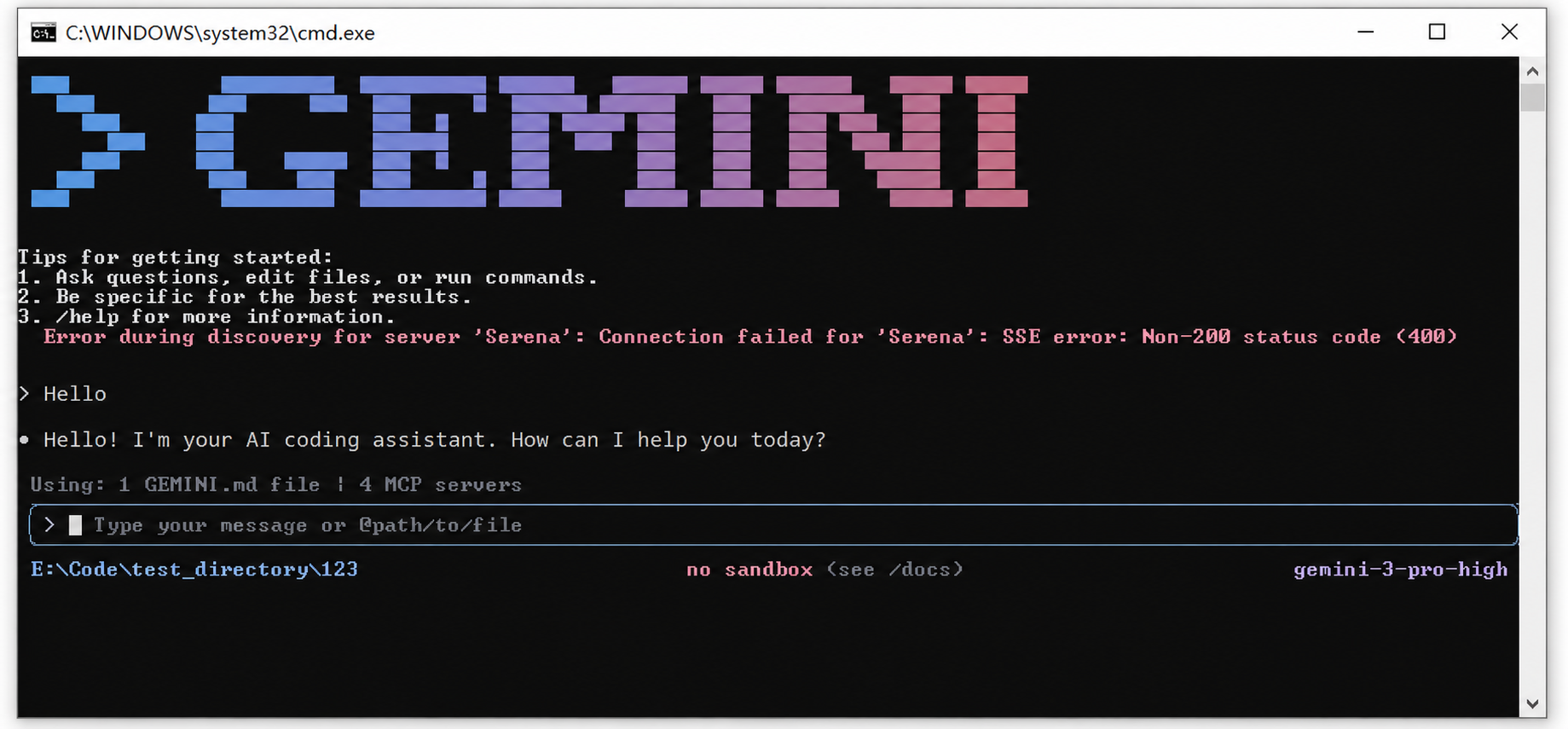
- Run
geminiin your terminal. If the chat opens and replies normally, the setup is complete.
Usage note
After switching providers, you may need to fully close and reopen Gemini CLI, Antigravity, or the editor integration that reads the local Gemini config before the new settings take effect.