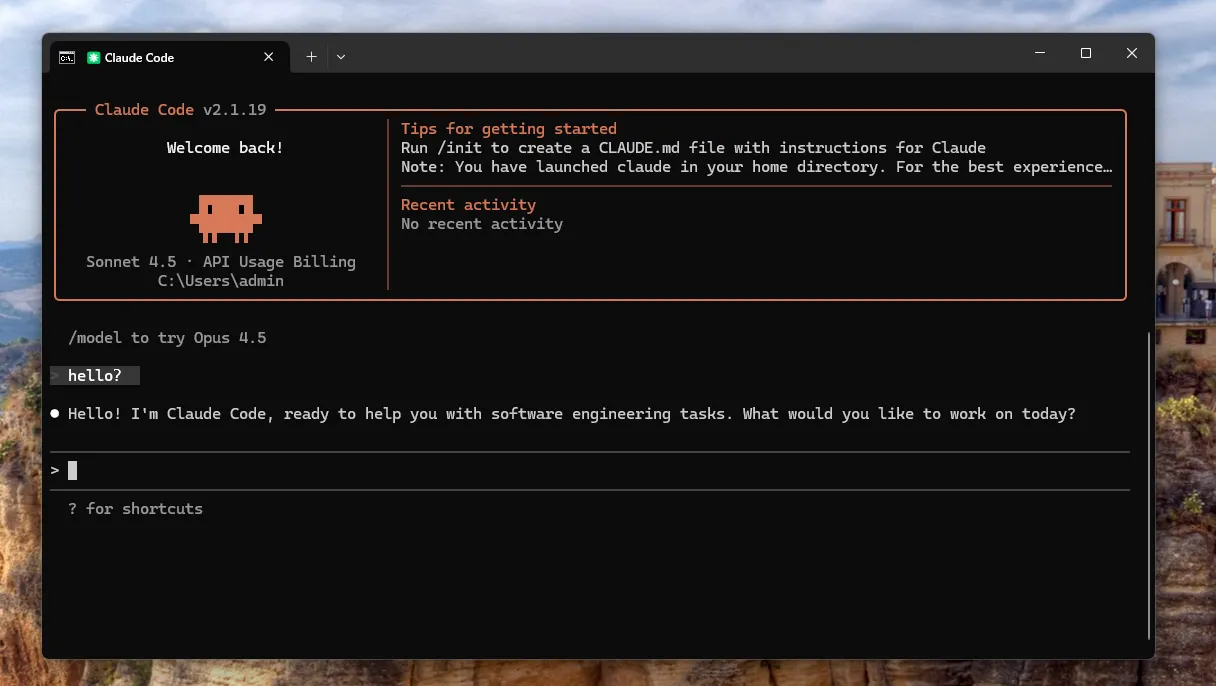
Claude Code Setup
1. Find the Claude Code configuration folder
First, open your terminal, whether you are on Windows or macOS.
Then run the command for your system to open the Claude Code configuration folder.
Windows
start "" "%USERPROFILE%\.claude"macOS
open "$HOME/.claude"Linux or WSL
mkdir -p "$HOME/.claude"
cd "$HOME/.claude"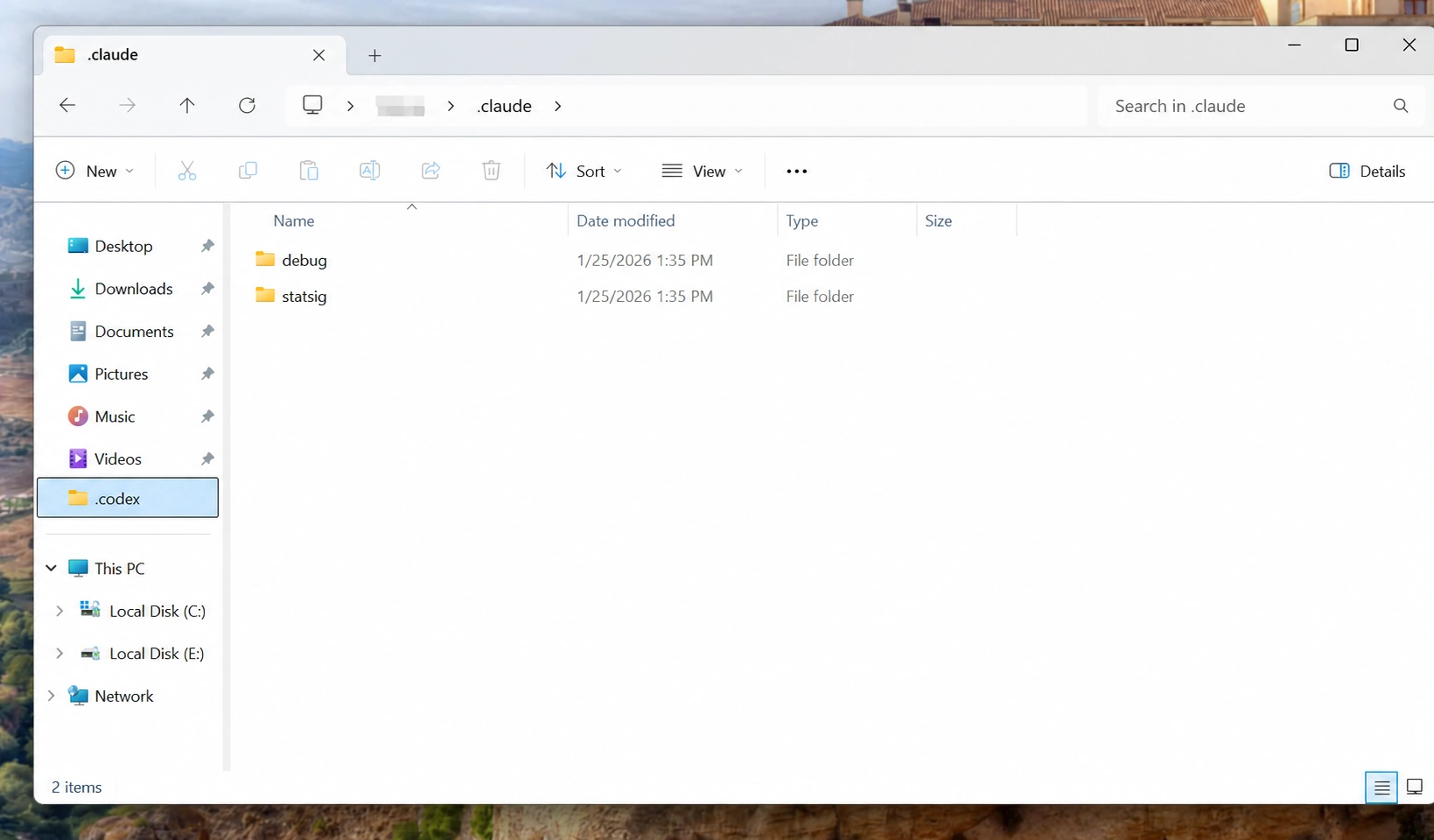
2. Manually create a settings.json file and add the following content
{
  "env": {
    "ANTHROPIC_AUTH_TOKEN": "",
    "ANTHROPIC_BASE_URL": "https://api.fhrouter.com",
    "CLAUDE_CODE_DISABLE_NONESSENTIAL_TRAFFIC": "1"
  }
}
3. Enter the ApiKey generated in the dashboard in ANTHROPIC_AUTH_TOKEN, then save the file
Use the FHRouter Claude endpoint:
https://api.fhrouter.com4. Run claude in the terminal and start a conversation to check whether setup succeeded