
Zed
Configure and Use Zed
There are two ways to use this in Zed: ACP mode and Zed Agent mode.
Use ACP Mode
ACP mode includes the following built-in Agents:
- Claude Code
- Codex CLI
- Gemini CLI
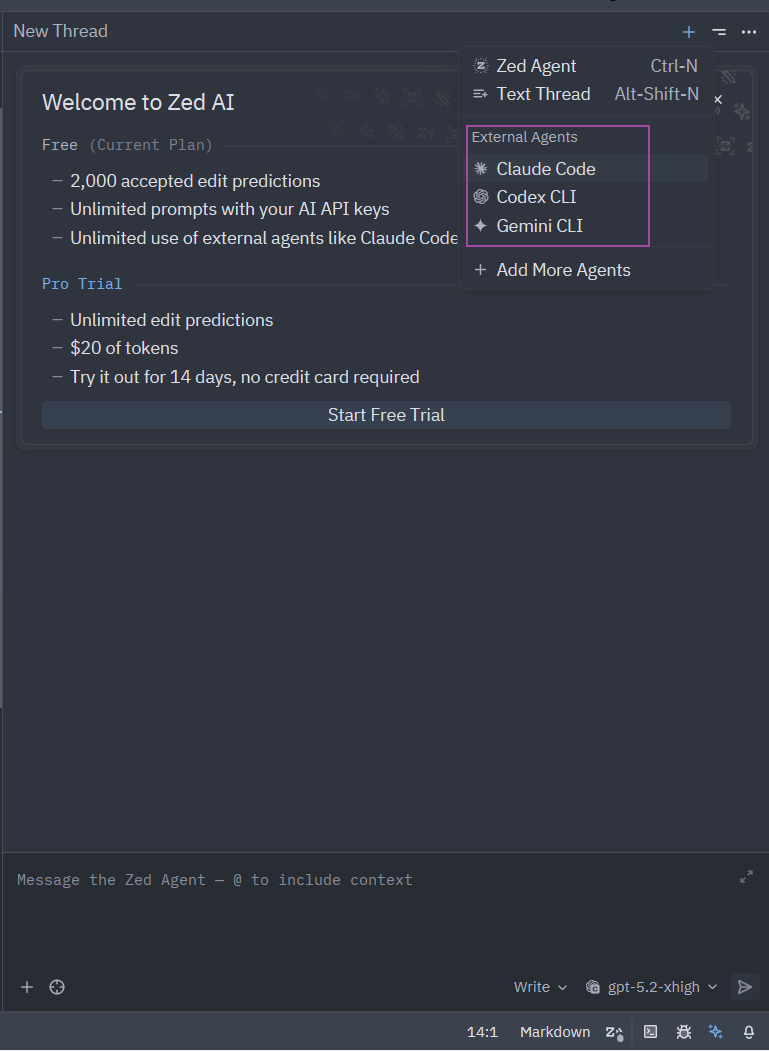
For other Agents, click Add More Agents in the same screen and add them from the ACP Registry.
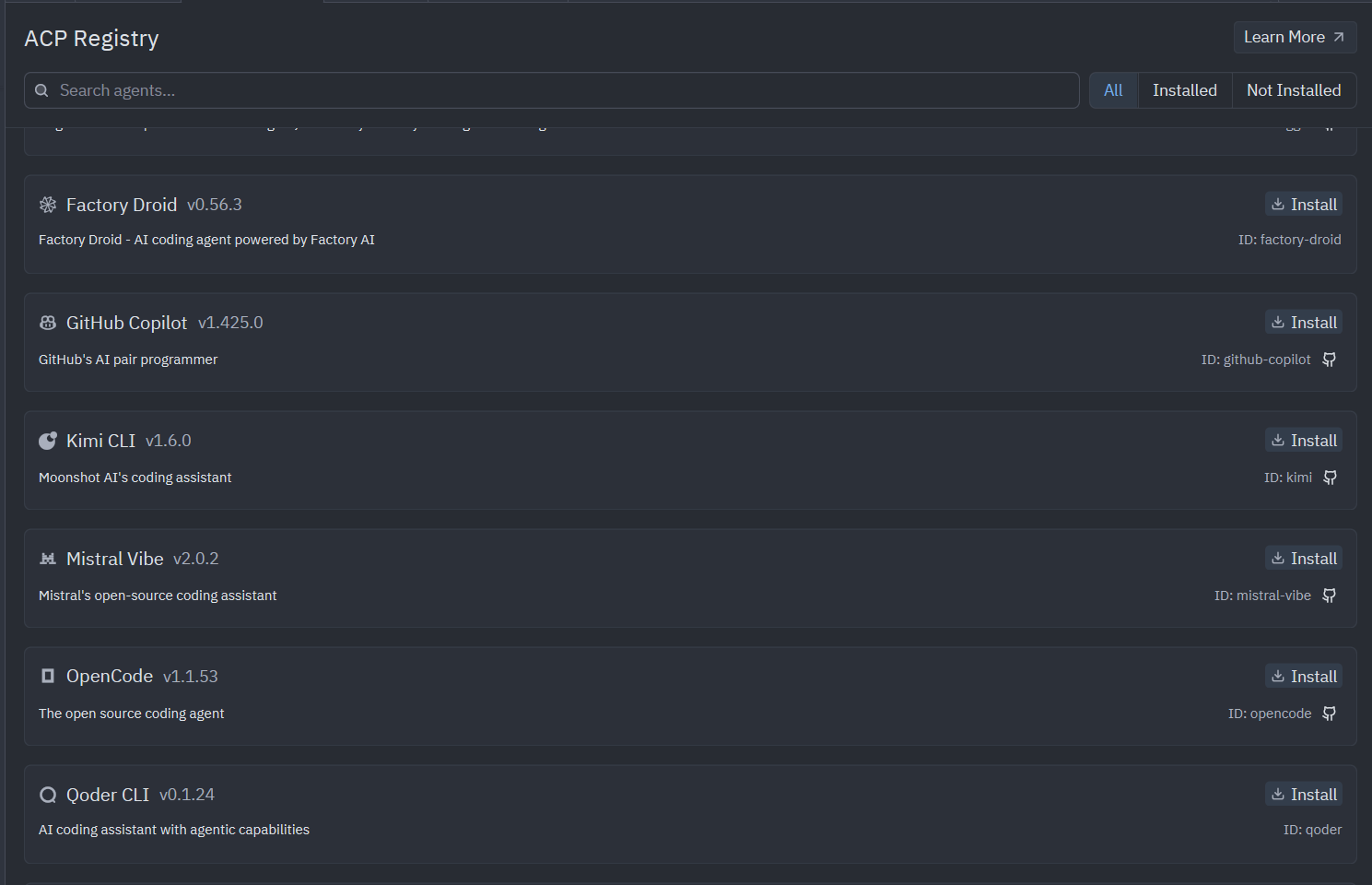
With this method, configure Claude Code, Codex, or Gemini according to their normal setup guides first:
Use Zed Agent Mode
1. Open the Agent Panel in the lower-right corner and click the current model
2. Click Configure
3. Click Add Provider and choose Compatible APIs OpenAI
4. Configure it as shown below
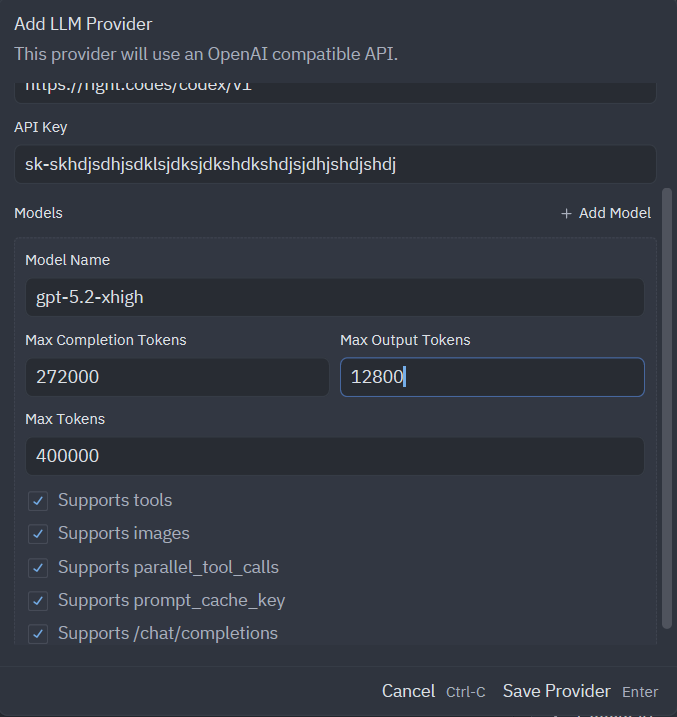
Use:
| Field | Value |
|---|---|
| Provider type | Compatible APIs OpenAI |
| Base URL | https://api.fhrouter.com/v1 |
| API key | your FHRouter token key |
| Model | gpt-5.5, gpt-5.4, or another supported GPT model |
Make sure to check support chat/completions; otherwise, errors will occur.
5. Save the provider, restart Zed if needed, and start with a small test prompt
Say hello in one short sentence.