
1. Create your account
Open the sign-up page
Go to:
https://fhrouter.com/sign-up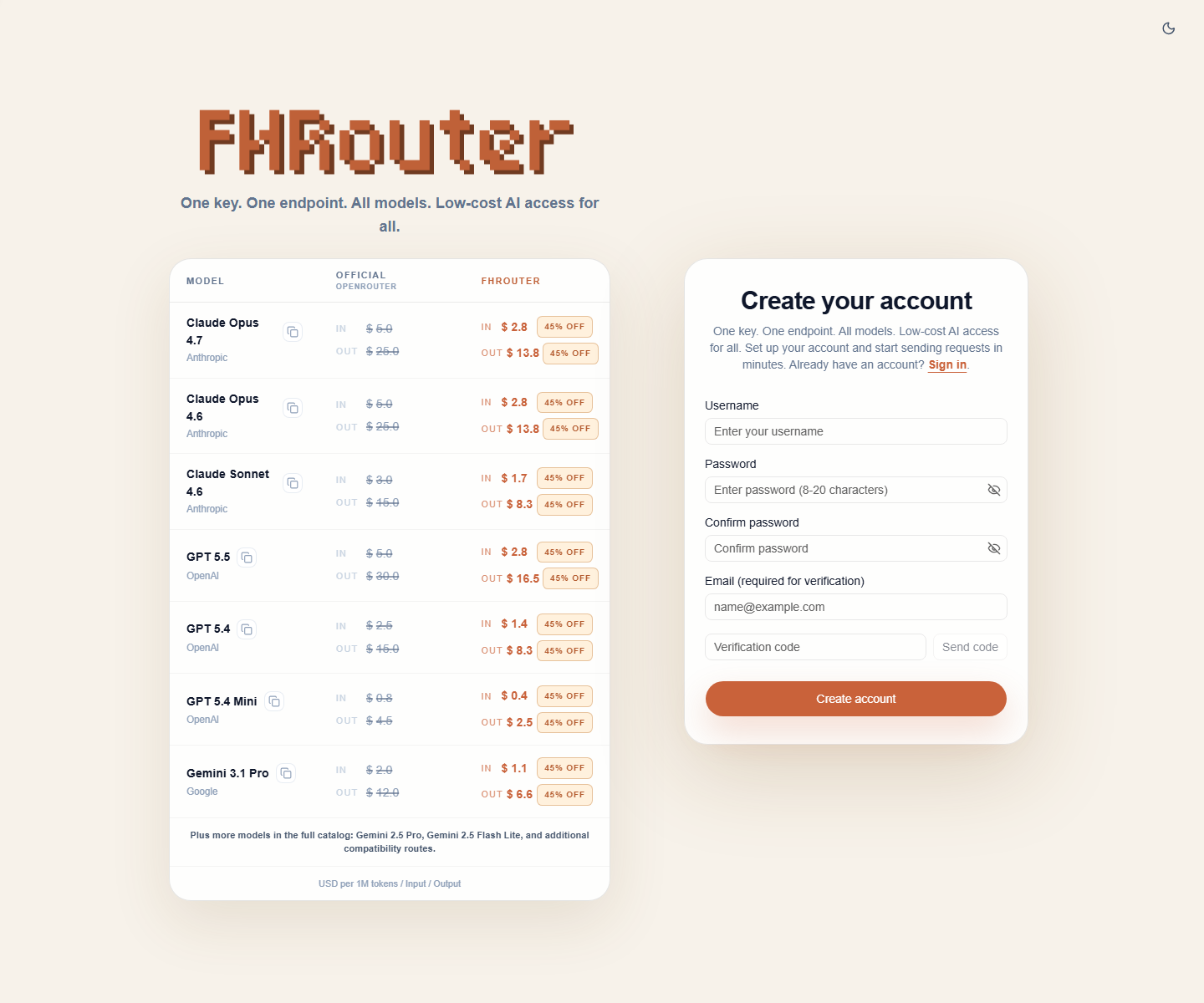
Fill in the account details
Enter:
- a username
- a password
- the same password again
- your email address
Then click Send code and enter the verification code from your email.
Check your inbox
If the verification code does not arrive:
- check spam or junk
- wait a short moment and resend the code
- make sure the email address was typed correctly
Finish account creation
After the code is accepted, click Create account.
Use an email address you can still access later. It is the easiest recovery path if you ever lose your password.
Next step
Continue to 2. Sign in.