
Claude Code issues
Claude Code works in terminal but not in VS Code
Make sure the Claude Code CLI works in your terminal first:
claude doctor
claude -p "Say hello in one short sentence."
Then restart VS Code so the extension picks up the same local settings.
Claude Code settings are usually under:
| System | Path |
|---|---|
| Windows | %USERPROFILE%\.claude |
| macOS or Linux | ~/.claude |
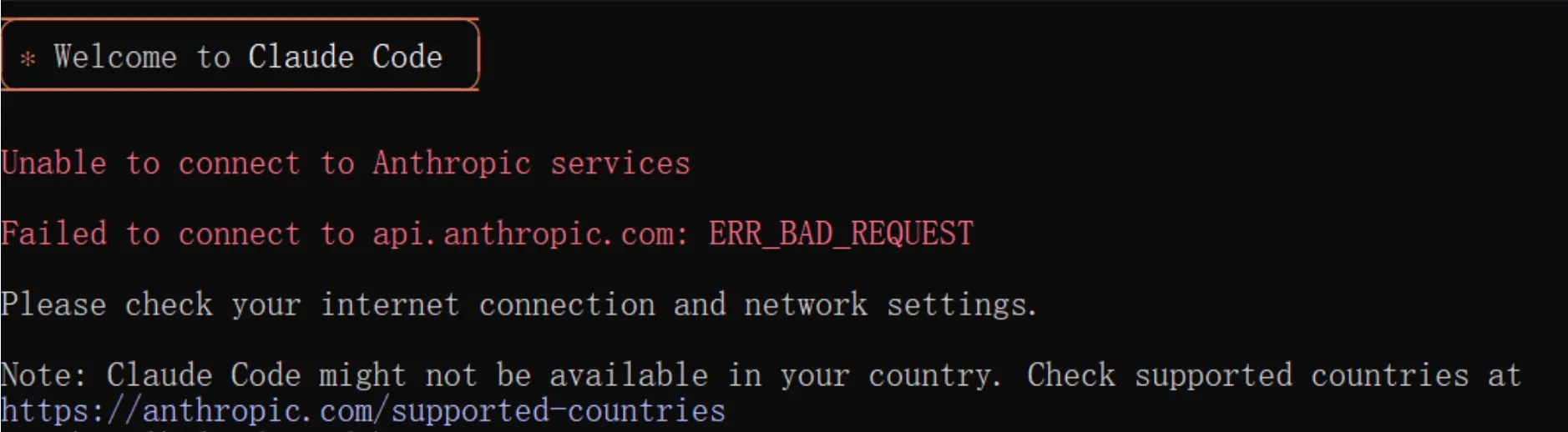
Wrong endpoint
Claude Code should use:
https://api.fhrouter.comDo not add /v1 for Claude Code.
Authentication failed
Check:
- The key is an FHRouter token key.
- There are no extra spaces before or after the key.
- Your shell or editor is not still using an old
ANTHROPIC_API_KEY,ANTHROPIC_AUTH_TOKEN, orANTHROPIC_BASE_URL.
API error 400
Some Claude Code releases send experimental headers that compatibility layers may reject. Try:
export CLAUDE_CODE_DISABLE_EXPERIMENTAL_BETAS=1
claude
Windows PowerShell:
$env:CLAUDE_CODE_DISABLE_EXPERIMENTAL_BETAS = "1"
claude
Useful commands
| Command | Use |
|---|---|
claude | Start an interactive session |
claude -p "prompt" | Run a one-off prompt |
claude -c | Continue the previous session if supported |
claude doctor | Check local configuration |
claude update | Update Claude Code if supported by your install |