
2. Sign in
Open the sign-in page
Go to:
https://fhrouter.com/sign-in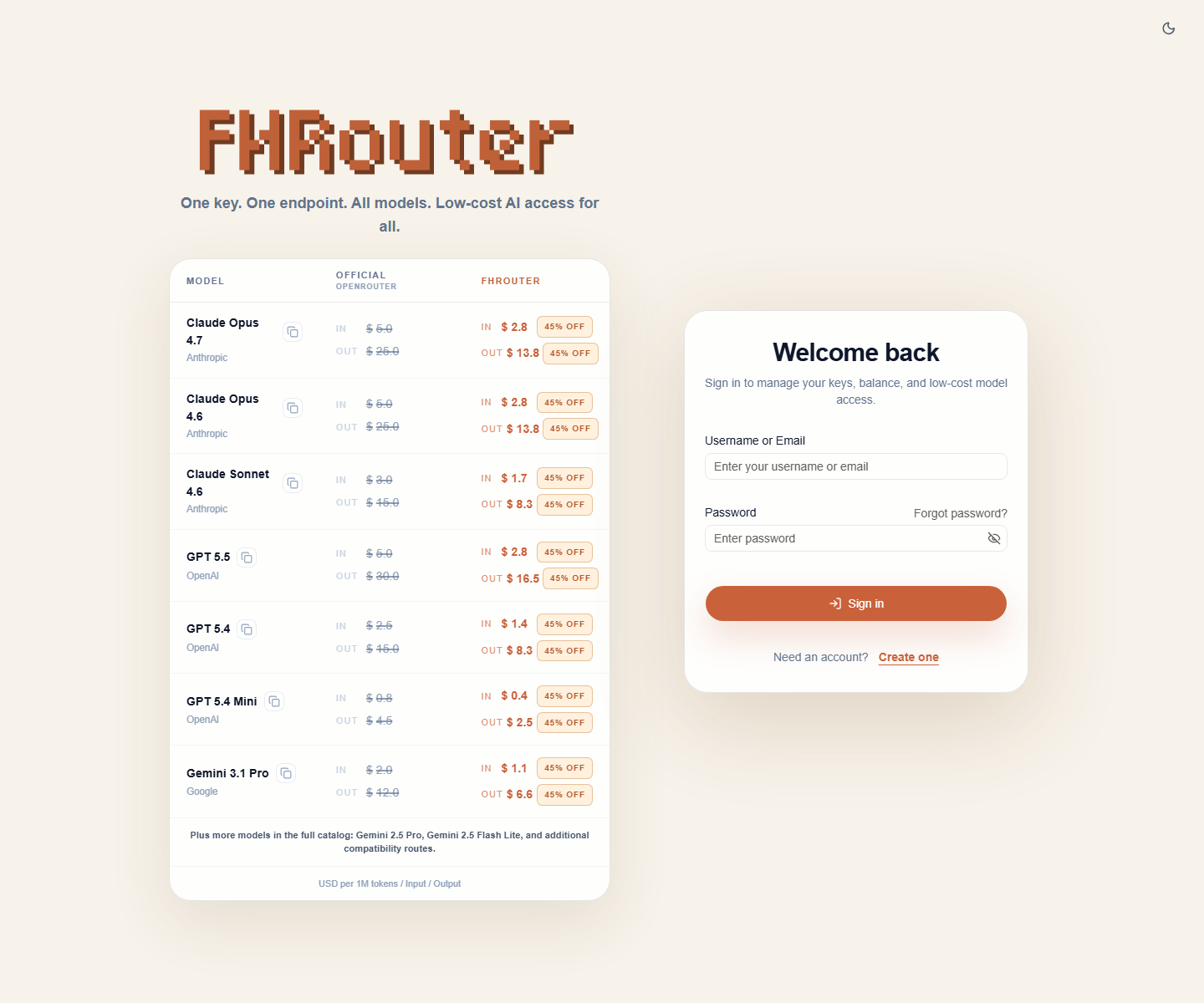
Sign in with your account
Enter your:
- username or email
- password
Then click Sign in.
Confirm the dashboard loads
After a successful sign-in, FHRouter will send you to the dashboard pages under:
https://fhrouter.com/home
https://fhrouter.com/dashboard
If those pages load, your account is ready for billing and API key setup.
If sign-in fails
Check these items in order:
- make sure the username, email, and password are correct
- retry from the regular sign-in page instead of a stale tab
- clear the site cookies for
fhrouter.comif the browser is stuck in a bad session - try a private window to rule out extension or cookie issues
Next step
Continue to 3. Add balance.